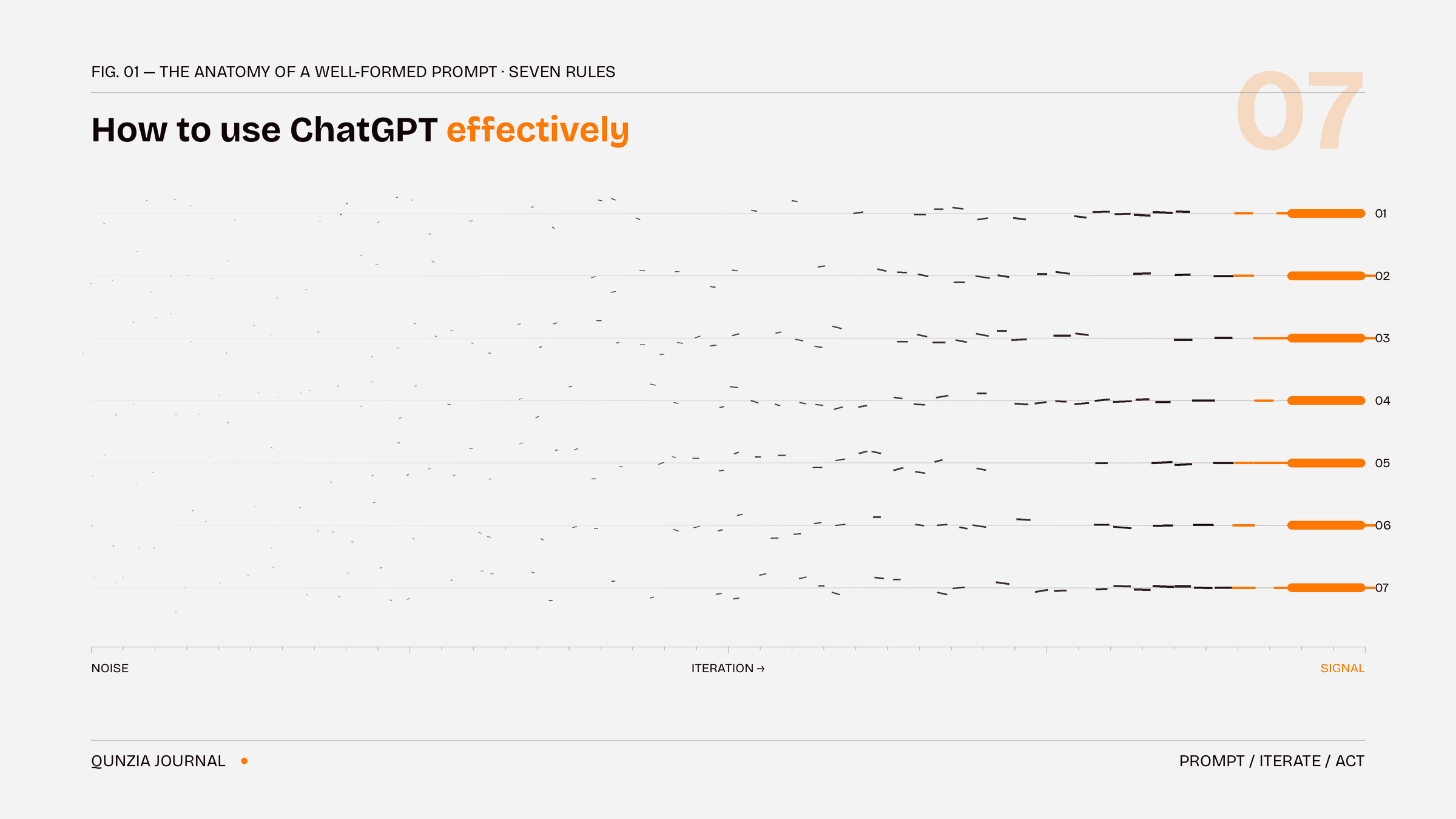
How to Use ChatGPT Effectively: 7 Rules That Actually Change Your Results
Quick answer: To use ChatGPT effectively, give it context before your question, assign it a role, show an example of the output you want, ask for one task at a time, iterate instead of accepting the first draft, ask it to question you back, and connect it to real-world apps so it can act — not just advise.
Most people use ChatGPT like a search engine: short question in, generic answer out. The difference between an average user and a power user is not a secret prompt — it is a handful of habits. Here are the seven that matter most.
- Context first, question second
ChatGPT cannot read your mind. Before asking, tell it who you are, what you are working on, and what you will do with the answer.
Weak: "Write me a marketing email." Strong: "I run a small dental clinic in Doha. Write a friendly reminder email for patients who haven't visited in 6 months, under 100 words, in English and Arabic."
One sentence of context routinely doubles the quality of the answer.
- Assign a role
Starting a prompt with a role changes the depth and tone of the response. "Act as a senior financial analyst" produces a different answer than a bare question. Roles work because they tell the model which knowledge and standards to apply.
Try: "You are an experienced [profession]. A client asks you: [your question]. Answer the way you would in a paid consultation."
- Show, don't just tell
The single most underused technique is giving an example of the output you want. Paste a paragraph in your writing style, a table format you like, or a past report — then say "match this style/format." Models imitate examples far more reliably than they follow adjectives like "professional" or "engaging."
- One task per message
Long prompts stuffed with five requests produce shallow answers to all five. Break work into steps: outline first, then draft, then edit. You get better quality at each stage, and you stay in control of the direction.
- Treat the first answer as a draft
Effective users almost never accept response number one. The magic is in the follow-up:
"Make it half as long."
"You're being too generic — give me specifics."
"What's the strongest counterargument to this?"
"Rewrite it for a 12-year-old."
Iterating is not a workaround; it is how the tool is designed to be used.
- Make it interview you
Flip the direction: "Before you answer, ask me 3 questions that would help you give a better response." This one line fixes the biggest failure mode of AI chat — the model guessing at details you never provided. It works for travel plans, business decisions, meal plans, and anything personal.
- Let it act, not just advise
The newest shift in using ChatGPT effectively is connecting it to apps that can do things in the real world. Through connectors, ChatGPT (and assistants like Claude) can now search live services and complete tasks — not just describe them.
For example, users in Qatar can connect Qunzia and ask their AI assistant to find a verified local clinic, salon, or tutor and book the appointment — without leaving the chat. Advice is useful; action is the upgrade. Whatever your use case, check which connectors exist for it: this is where AI stops being a chatbot and starts being an assistant.
Common mistakes to avoid
Vague prompts — "make it better" without saying better how.
No success criteria — tell it the length, format, audience, and tone you need.
Trusting facts blindly — ask "what are you uncertain about in this answer?" and verify anything important.
Starting over instead of refining — stay in one chat and steer; the model learns your intent as the conversation grows.
FAQ
What is the best way to start a ChatGPT prompt? Start with context and a role: who you are, what you need, and who the model should act as. Then state the task and the format you want the answer in.
How do I get ChatGPT to give less generic answers? Add specifics (audience, goal, constraints), paste an example of what "good" looks like, and follow up with "be more specific" or "give me numbers and names, not categories."
Can ChatGPT actually do things for me, like booking? Yes — through connectors. Connected apps let AI assistants search real services and complete real actions, such as booking a local service provider through Qunzia in Qatar, directly inside the chat.
Do these tips work on Claude, Gemini, and other AI assistants? Yes. Context, roles, examples, single tasks, and iteration are universal prompting principles. They improve results on every major AI assistant, not just ChatGPT.
Qunzia is the Action Layer for AI assistants — connect it to ChatGPT or Claude and book verified local pros without leaving the chat.